
Direct Answer
What Is the Commercial Standby Power Readiness System?
The Commercial Standby Power Readiness System helps standby-power contractors capture better commercial facility inquiries, organize operational priorities and existing equipment, qualify site-assessment opportunities, respond to after-hours failures, manage testing and maintenance follow-up, and support multi-location facility relationships. It combines a facility-focused website, Facility Backup-Power Planner, After-Hours Failure Intake, Site-Assessment Request, Multi-Location Readiness Portal, maintenance reminders, and account reactivation in one connected system.
COMMERCIAL STANDBY POWER READINESS SYSTEM — POWERED BY ALTO DESIGN LAB
Turn Critical-Facility Power Concerns Into Qualified Assessments and Recurring Readiness Contracts
Help facility decision-makers organize critical operations, existing standby equipment, transfer switches, testing history, open concerns, site details, and assessment questions before your team begins the conversation.
- Capture better-qualified commercial facility inquiries
- Understand what operations depend on standby power
- Organize existing generators and transfer equipment
- Identify multi-building and multi-location opportunities
- Respond to after-hours failures with structured intake
- Create clearer maintenance and testing relationships
- Keep failed-test follow-up visible
- Organize storm-preparation communication
- Track upcoming readiness reviews
- Build longer commercial facility relationships
Built and customized around your commercial services, facility types, assessment process, maintenance programs, testing workflow, service area, and account structure.
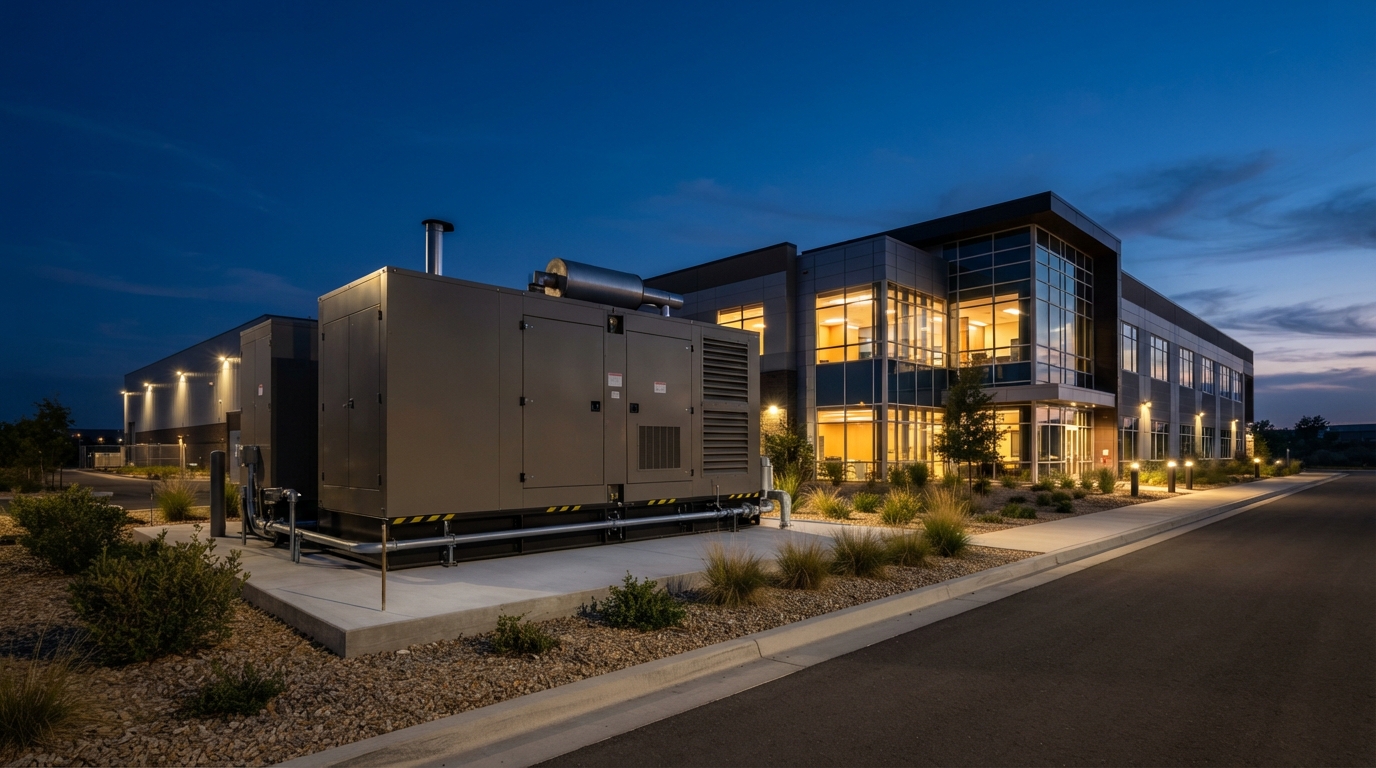
The Problem
How Many Commercial Power Opportunities Begin Without the Information Your Team Needs?
Commercial standby-power opportunities often arrive as a vague concern, with critical operations, existing equipment, transfer switches, and multi-location context scattered or missing.
Generic Commercial Inquiries
“We need backup power” provides little information about the facility, critical operations, buildings, occupied hours, existing equipment, transfer switches, fuel, or timing.
Complex Facility Risks
Commercial outages may affect residents, refrigeration, communications, security, lighting, pumps, building systems, and other critical operations.
Scattered Equipment Information
Generator references, transfer-switch information, fuel details, photographs, service reports, and access instructions may live in separate inboxes, binders, and spreadsheets.
Multiple Locations
Organizations managing several properties need readiness information organized by facility—not mixed together in disconnected records.
Testing and Maintenance Gaps
Open recommendations, upcoming reviews, failed tests, and maintenance windows can be forgotten without a visible process.
After-Hours Generator Failures
A failure may be reported when the office is closed, but the caller still needs a safe way to organize critical information.
Automatic Transfer Switches Get Overlooked
A standby-power relationship includes more than the generator. Transfer equipment requires its own inspection, testing, service, and follow-up.
Storm Preparation Is Reactive
Facility contacts, fuel information, site access, open items, and post-storm follow-up may not be organized until the event is already approaching.
The Commercial Standby Power Readiness System helps close these gaps so commercial inquiries become better-prepared assessments and recurring readiness responsibilities remain visible across every facility.
The Facility Journey
From Operational Concern to Ongoing Standby-Power Readiness
Identify Risk
The facility decision-maker considers which operations, people, inventory, systems, and services depend on continuous power.
Organize the Facility
The Facility Backup-Power Planner collects the facility profile, operational priorities, buildings, occupied hours, existing equipment, and site concerns.
Request an Assessment
The customer receives a clear path toward an appropriate commercial site assessment.
Review the Site
Qualified professionals review loads, existing standby equipment, transfer switches, fuel, access, and other relevant conditions.
Develop the Scope
Installation, upgrade, maintenance, testing, transfer-switch, or failure-support needs are organized.
Maintain and Test
Preventive maintenance, inspections, exercises, load-bank testing, and open recommendations remain visible.
Respond to Issues
Failed tests and after-hours problems follow a safety-first intake and qualified review process.
Manage Readiness
Multi-location records, upcoming review windows, facility contacts, equipment references, and open items are organized over time.
The Commercial Standby Power Readiness System supports the facility journey from first operational concern through ongoing multi-location readiness.
Business Outcomes
A Better System for Winning and Retaining Commercial Facility Accounts
Capture Better Commercial Site-Assessment Requests
A facility-focused website with a clear assessment path helps decision-makers move from a vague concern to an organized request with useful context.
Start the conversation with better information.
Understand Critical Operations Before the First Call
The Facility Backup-Power Planner organizes which operations, people, inventory, and systems depend on continuous power before the first conversation.
Walk into the assessment with context, not guesswork.
Identify Multi-Building and Multi-Location Opportunities
Organizing facility profiles by building and location helps surface larger, coordinated opportunities a single inquiry might hide.
See the full account, not just one site.
Organize Existing Generator and Transfer-Switch Information
Generator references, transfer-switch information, fuel details, and access notes can be organized in one place instead of scattered records.
Reduce time spent hunting for equipment context.
Reduce Back-and-Forth Before Site Reviews
Structured intake collects facility type, buildings, occupied hours, existing equipment, and site concerns before the visit.
Spend site time evaluating, not gathering basics.
Turn Installations Into Recurring Readiness Relationships
Maintenance reminders, testing reminders, and renewal workflows help an installation become an ongoing readiness relationship.
Build longer-term facility value.
Keep Maintenance and Testing Opportunities Visible
Upcoming review windows, inspections, and load-bank tests stay organized so opportunities are not forgotten between visits.
Stay ahead of maintenance timing.
Follow Up After Failed Exercises or Tests
Failed-test follow-up keeps open recommendations and next steps visible rather than disappearing after the test is complete.
Close the loop on testing issues.
Respond More Safely to After-Hours Problems
A safety-first After-Hours Failure Intake gives facility teams a structured way to organize the problem when the office is closed.
Capture critical information safely.
Organize Storm-Preparation Communication
Facility contacts, fuel information, site access, open items, and post-storm follow-up can be organized before the event arrives.
Make preparation less reactive.
Reconnect With Inactive Commercial Accounts
Inactive-account reactivation reaches out to organizations whose readiness reviews, maintenance, or testing may have lapsed.
Recover dormant facility relationships.
Build More Long-Term Facility Value
Organized records, reminders, and follow-up help a contractor stay relevant across every facility over time.
Strengthen multi-location account loyalty.
Facilities the System Serves
Built Around the Facilities That Depend on Continuous Power
The system is configured around the facility types your team serves, so decision-makers recognize their operation, risks, and readiness needs.
- Nursing homes and care facilities
- Warehouses and distribution centers
- Municipal buildings
- Apartment and multifamily properties
- Restaurants and food-service facilities
- Data and network facilities
- Medical offices
- Facilities with critical refrigeration
- Facilities operating extended hours or continuously
- Organizations managing multiple locations
Interactive Facility Planning
Organize the Facility Before the Site Assessment
The five-step Facility Backup-Power Planner helps facility decision-makers organize operational priorities, existing equipment, site concerns, photographs, contact information, and assessment questions before a professional site review.
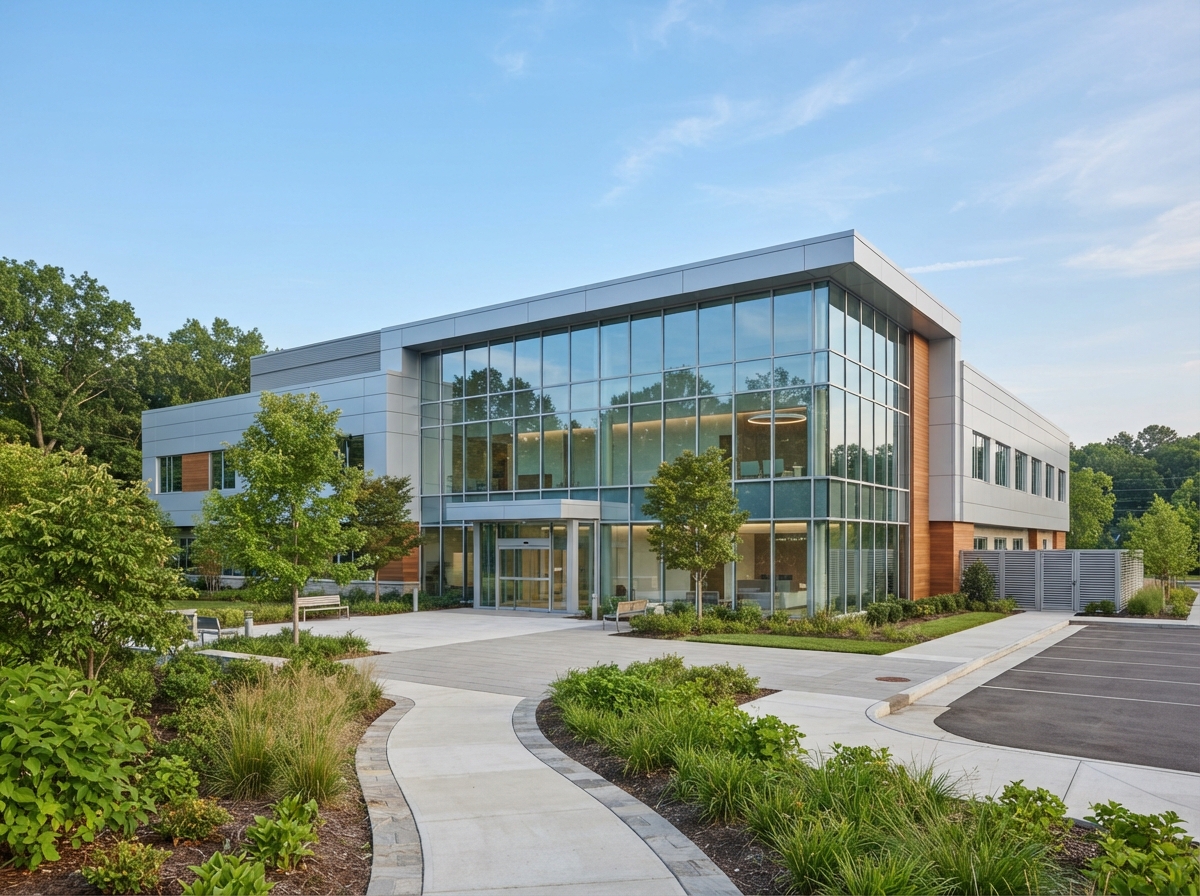
Stages of the Facility Backup-Power Planner
- 1Facility Profile
- 2Operations Affected
- 3Existing System
- 4Site and Project
- 5Photos and Contact
Information the Planner Can Organize
- Facility name or reference
- Facility type
- Number of buildings
- Occupied hours
- Single or multiple locations
- Existing standby-generator status
- Operations affected by an outage
- Existing generator information
- Automatic transfer-switch information
- Fuel information
- Site conditions
- Access considerations
- Project timing
- Assessment questions
- Relevant photographs
The planner is an early information-organization tool. It does not calculate electrical loads, size equipment, provide engineering, determine code compliance, inspect equipment, establish feasibility, or replace an on-site evaluation by qualified professionals.
Multi-Location Facility Management
Keep Standby-Power Readiness Organized by Location
The Multi-Location Readiness Portal concept demonstrates how a commercial account could organize readiness across several facilities.
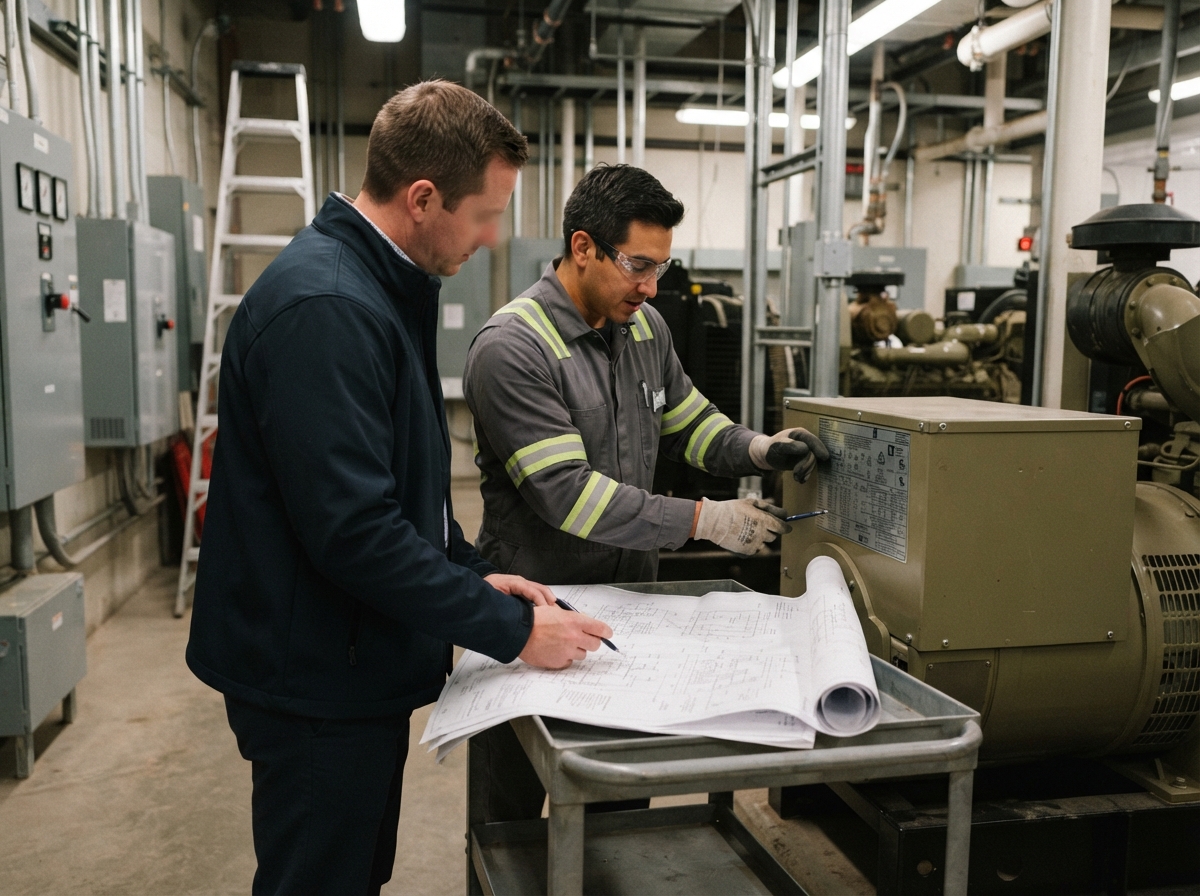
What the Portal Concept Can Organize
- Multiple facilities
- Generator references by location
- Automatic transfer-switch references
- Fuel information
- Facility contacts
- Site-access notes
- Last test
- Next review window
- Maintenance and testing history
- Open recommendations
- Failed-test follow-up
- Sample documents
- Equipment photographs
- Reminder preferences
- Planning information that remains incomplete
- Upcoming maintenance and review items
Demonstrated Facility Statuses
- No open item
- Review recommended
- Follow-up pending
- Planning information incomplete
The GridSure portal is a fictional demonstration. All facilities, contacts, equipment, dates, service history, documents, photographs, and activity are sample information. It is not connected to a database, CRM, service platform, monitoring system, generator controller, or real facility account, and it does not provide live equipment monitoring.
When Standby Power Doesn’t Respond As Expected
Give Facility Teams a Safety-First Way to Organize the Problem
The After-Hours Generator-Failure Intake begins with safety screening, then organizes the information a qualified team may review.
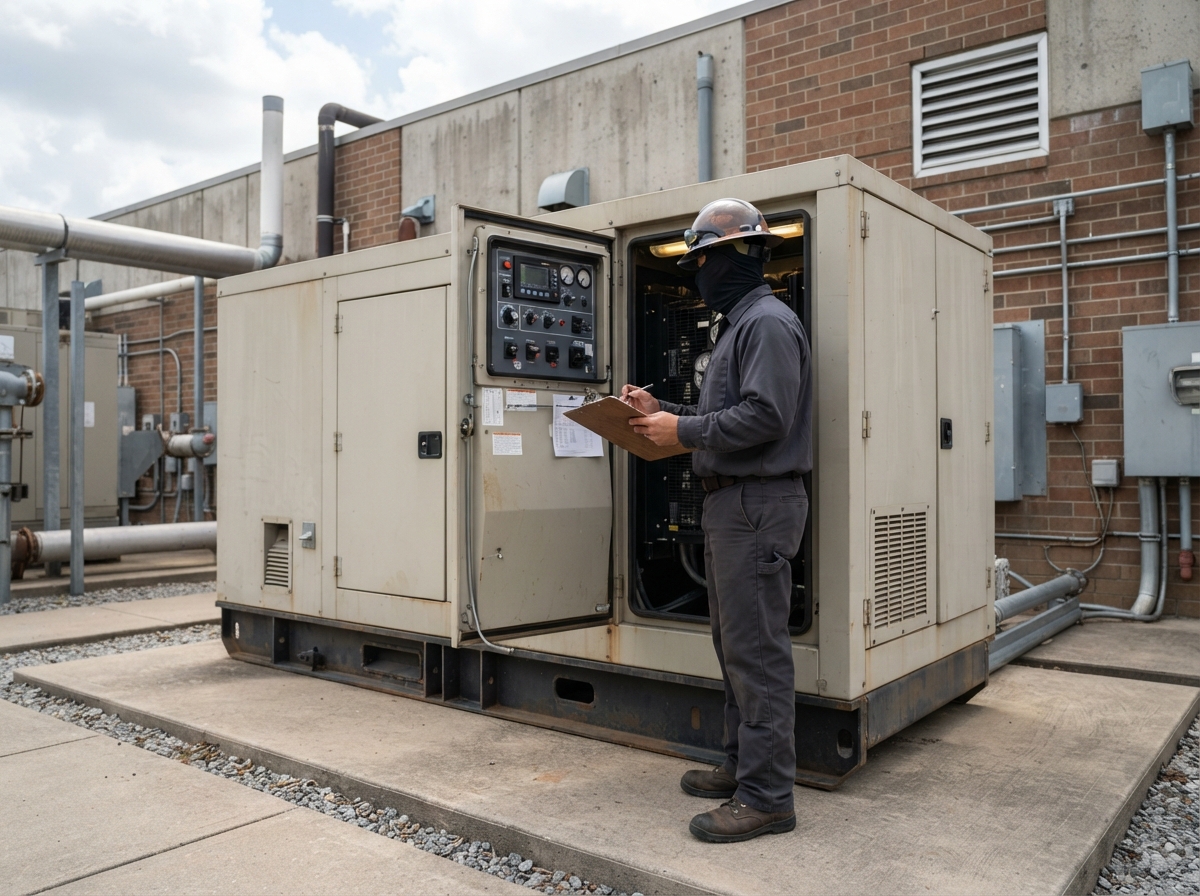
The Experience Begins With Safety Screening For
- Fire
- Smoke
- Fuel or gas odor
- Carbon-monoxide concerns
- Electrical arcing
- Flooding near electrical equipment
- Immediate threats to people
The system must never tell an unqualified person to open, reset, operate, bypass, test, or repair generator, fuel, battery, transfer-switch, or electrical equipment. Immediate hazards require the facility’s emergency procedures and appropriate qualified or emergency personnel. The demonstration is not connected to a live agent, AI, or telephony, does not dispatch a technician, does not create a service request, and does not promise an emergency-response time.
Better-Prepared Commercial Assessments
Move Facility Concerns Toward a Productive Site Conversation
The Site-Assessment Request gives facility decision-makers a clear path from organized concern to an appropriate on-site review.
The Assessment Journey
- 1Facility information is reviewed
- 2Operational priorities are clarified
- 3Existing equipment and site conditions are discussed
- 4An appropriate site assessment is coordinated
- 5The project or maintenance scope is developed
The GridSure demonstration does not send a message, create a contact, schedule an appointment, dispatch a technician, or trigger a workflow. A client implementation would use the contractor’s approved forms, calendars, communications, safety language, and operating procedures.
Don’t Just Read About It
See What Commercial Facility Decision-Makers Could Experience
Explore a complete commercial standby-power demonstration that helps facility decision-makers organize their operation and move toward an assessment.
GridSure Standby Power is a fictional demonstration business. All facilities, contacts, equipment, testing records, documents, photographs, service activity, and dates shown are fictional examples.
One Connected Commercial Readiness System
Everything Needed to Capture, Organize, and Retain Commercial Facility Opportunities
Alto configures these components around your commercial services, facility types, assessment process, and operating procedures. Each piece is connected to the next—not handed to your team as unconfigured software subscriptions to assemble.
1. Commercial Facility-Focused Website
A website that speaks to facility decision-makers, not homeowners, with clear commercial capabilities and assessment calls to action.
2. Commercial Installation Pages
Pages that explain standby-generator installation for commercial facilities and the information a project review requires.
3. Maintenance and Testing Pages
Content on preventive maintenance, inspections, exercises, and load-bank testing that keeps readiness visible.
4. Automatic Transfer-Switch Service Pages
Dedicated pages for transfer-switch inspection, testing, and service so this equipment is not overlooked.
5. Industry-Specific Facility Pages
Pages tailored to the facility types you serve so decision-makers recognize their operation and risks.
6. Facility Backup-Power Planner
An interactive planner that organizes the facility profile, operations, existing equipment, site concerns, and assessment questions.
7. Commercial Site-Assessment Qualification
A structured path that qualifies facility inquiries and moves appropriate opportunities toward a site assessment.
8. After-Hours Generator-Failure Intake
A safety-first intake that begins with hazard screening and organizes critical information when the office is closed.
9. Facility and Equipment Organization
Generator references, transfer-switch information, fuel details, and access notes organized in one place.
10. Multi-Location Readiness Portal
A portal concept that organizes readiness by facility, including contacts, equipment, testing history, and open items.
11. Maintenance and Testing History
Keeps maintenance, inspections, exercises, and load-bank testing history visible by facility.
12. Open-Item and Recommendation Tracking
Tracks open recommendations so follow-up does not disappear after a test or inspection.
13. Failed-Test Follow-Up
Keeps failed-test follow-up visible so next steps and recommendations remain organized.
14. Upcoming Review and Reminder Workflows
Approved reminders for upcoming review windows, inspections, and load-bank tests.
15. Storm-Preparation Communication
Organizes facility contacts, fuel information, site access, open items, and post-storm follow-up.
16. Site-Assessment Scheduling Path
A clear path to coordinate an appropriate on-site assessment with the right context.
17. Proposal and Scope Follow-Up
Keeps proposals and project-scope conversations visible while the facility reviews options.
18. Maintenance-Contract Renewals
Renewal workflows that help recurring readiness responsibilities stay visible across every facility.
19. Inactive Commercial Account Reactivation
Reaches out to organizations whose readiness reviews, maintenance, or testing may have lapsed.
20. Honest Review Requests
Professional review requests that encourage satisfied facility contacts to share their experience.
21. Search and Industry Visibility Foundation
SEO structure, facility-type content, and schema markup that help facility decision-makers find you.
22. Inquiry-Source and Account Tracking
Clear reporting on where facility inquiries come from and which accounts stay active.
This is a configured commercial customer-acquisition, assessment, follow-up, and account-readiness system built around the contractor’s actual services and operating procedures—not a collection of disconnected software subscriptions. Equipment monitoring, dispatch, portals, reminders, telephony, calendars, CRM, or integrations are not implied to be active until configured and approved.
Automated Follow-Up
The System Keeps Working Between Assessments, Tests, and Maintenance Visits
New Facility-Inquiry Response
Immediate response when a commercial facility inquiry arrives.
Missed-Call Follow-Up
Automated follow-up when a facility call goes unanswered.
Incomplete-Planner Follow-Up
Reaches out when a facility planner was started but not completed.
Site-Assessment Response
Organizes the response when a site-assessment request is submitted.
Assessment Confirmations and Reminders
Confirmations and reminders that help the assessment happen as planned.
Missing-Information Requests
Requests for missing facility, equipment, or site information.
Proposal and Project-Scope Follow-Up
Keeps proposals and scope conversations visible while the facility decides.
Maintenance Reminders
Approved reminders for upcoming maintenance and review windows.
Testing Reminders
Reminders for inspections, exercises, and load-bank tests.
Failed-Test Follow-Up
Keeps failed-test recommendations and next steps visible.
Open-Recommendation Follow-Up
Follow-up on open recommendations from inspections and tests.
Storm-Preparation Communication
Organizes facility contacts, fuel, site access, and open items before a storm.
Post-Storm Review Communication
Appropriate follow-up after a storm event passes.
Maintenance-Contract Renewals
Renewal workflows that keep recurring readiness responsibilities visible.
Inactive-Account Reactivation
Reaches out to organizations whose readiness may have lapsed.
Appropriate Review Requests
Professional requests that encourage honest reviews from facility contacts.
Your qualified team reviews the facility, evaluates electrical and standby-power requirements, develops the scope, performs service and testing, documents professional findings, and makes technical recommendations. The Alto system helps organize facility inquiries, assessments, account information, reminders, follow-up, and the customer experience.
Commercial Visibility & Trust
Get Found by More Facility Decision-Makers
When facility decision-makers search for commercial standby power, maintenance, or transfer-switch service, structured content and honest reviews build early confidence.
Commercial Standby-Power Pages
Dedicated pages for commercial standby-generator installation and service.
Generator Installation Pages
Content that explains the commercial installation path and what a review requires.
Maintenance and Load-Bank Testing Pages
Pages on preventive maintenance, inspections, exercises, and load-bank testing.
Automatic Transfer-Switch Service Pages
Dedicated content for transfer-switch inspection, testing, and service.
Industry-Specific Facility Content
Pages tailored to the facility types you serve so decision-makers recognize their risks.
Multi-Location Service Information
Content that speaks to organizations managing several properties.
Emergency-Service Information With Accurate Limitations
Clear, honest information about emergency service and its real limitations.
Professional Project and Equipment Photography
Contractor-supplied and approved photography that represents real work and equipment.
Honest Review Generation
Reputation-building tools that encourage authentic reviews from facility contacts.
Structured Content for Search & AI
Information organized so search engines and AI answer systems can understand your services.
Different Decision-Makers May Search For
- Commercial standby generator
- Generator maintenance
- Load-bank testing
- Automatic transfer switch service
- Commercial generator installation
- Multi-location generator service
- Emergency generator service
- Facility backup power
Alto does not promise rankings, contracts, response times, or facility uptime. Visibility depends on many factors including content, competition, and search-engine behavior.
Built for Commercial Power Contractors
Built Around the Way Your Commercial Service Team Actually Works
Your Team Focuses On:
- Reviewing facility requirements
- Evaluating electrical loads
- Inspecting existing equipment
- Reviewing transfer equipment
- Planning installation or upgrades
- Performing maintenance and testing
- Responding to equipment failures
- Documenting professional findings
- Managing facility relationships
The Alto System Helps With:
- Presenting commercial capabilities
- Capturing better facility inquiries
- Organizing operational priorities
- Collecting existing-equipment context
- Qualifying site assessments
- Organizing multiple locations
- Tracking open follow-up items
- Sending approved reminders
- Following up with proposals
- Reactivating inactive accounts
- Requesting reviews
This is not engineering, equipment-monitoring, dispatch, emergency-response, load-calculation, code-compliance, or maintenance-management software. Alto builds and configures the customer-acquisition and follow-up system around the contractor’s professional process.
Who It Is For
Is the Commercial Standby Power Readiness System Right for Your Company?
- Commercial inquiries arrive with little facility context
- Critical operations must be identified before the site review
- The company services organizations with multiple locations
- Equipment records and site-access notes are scattered
- Transfer-switch opportunities are not consistently identified
- Upcoming maintenance and testing depend on manual reminders
- Failed-test follow-up is difficult to track
- After-hours reports lack useful or safe intake
- Storm preparation is reactive
- Proposals and assessment opportunities go quiet
- Inactive commercial accounts are rarely contacted
- The current website does not speak directly to facility decision-makers
The system works best for commercial standby-generator contractors, maintenance and testing providers, automatic transfer-switch service providers, and multi-location generator-service companies that want a clearer path from facility inquiry to recurring readiness relationship.
Safety, Technical & Demo Guardrails
Responsible Safety and Demonstration Boundaries
Alto Design Lab designs commercial readiness technology with safety-first, technical, and demonstration boundaries in mind.
- No Engineering or Sizing: The system does not provide generator sizing, electrical engineering, load calculations, code determinations, inspection findings, or equipment recommendations.
- No Unqualified Equipment Instruction: It must never instruct an unqualified person to open, reset, bypass, operate, test, or repair standby-power equipment.
- Immediate Hazards First: Immediate hazards require the facility’s emergency procedures and qualified or emergency personnel.
- No Live Telemetry: Portal data is not live equipment telemetry. The demonstration is not connected to a monitoring system or generator controller.
- Fictional Demonstration Data: All demo facilities, equipment, dates, contacts, documents, and service history are fictional examples.
- No Guarantees: Do not claim guaranteed uptime, continuity, safety, compliance, response times, fuel readiness, or equipment performance.
- No Invented Credentials: Do not invent certifications, licenses, service territories, equipment brands, testing results, customers, contracts, or facility relationships.
Looking for the Complete Customer Growth System for Generator Businesses?
Explore the Commercial Generator Revenue System — a connected website, intake app, lead-response, booking, and follow-up platform designed for generator contractors.
FAQ
Commercial Standby Power Readiness System Questions
Looking for the foundation? See conversion-focused websites and custom applications or review generation and local visibility.
STOP LETTING CRITICAL FACILITY OPPORTUNITIES GET LOST
Capture Better Commercial Assessments and Build Longer Readiness Relationships
See where facility inquiries, site assessments, testing opportunities, open recommendations, after-hours reports, maintenance renewals, and multi-location accounts may be losing momentum.
No pressure. We’ll review your current commercial customer journey and show you where valuable facility opportunities may be slipping through the process.